
Photo To Remove Background — Complete Guide
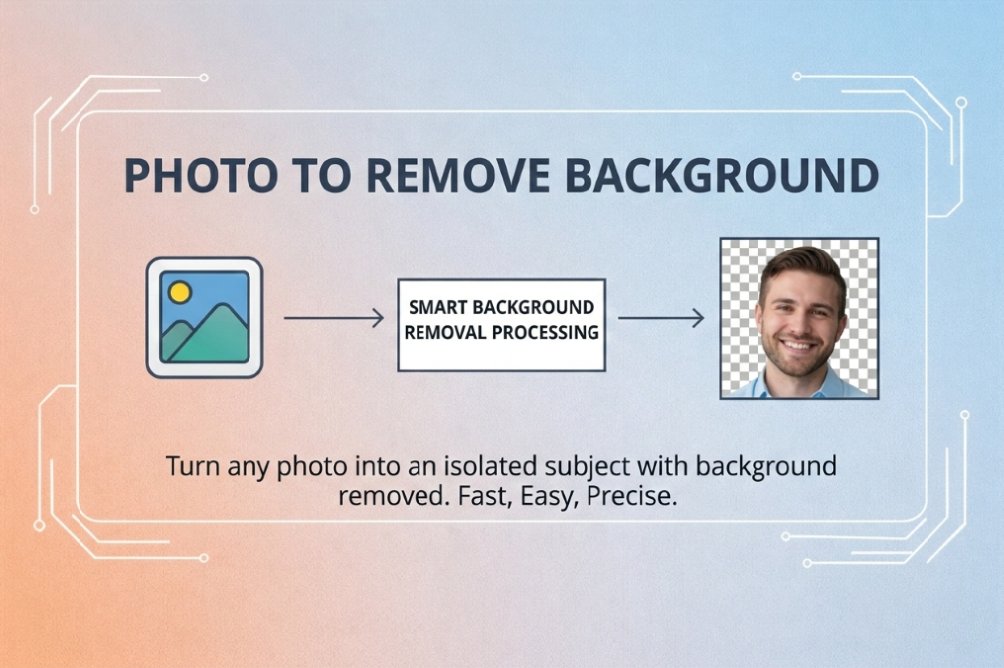
Remove image backgrounds in one click with our free AI-powered tool. Get clean cutouts for product photos, portraits, logos, and more — no design skills needed.
Photo To Remove Background — Complete Guide
Remove image backgrounds in one click with our free online tool. Get clean cutouts for product photos, portraits, logos, and more — no design skills needed.
How to Remove Background from an Image
Step 1: Upload Your Image
Select any photo from your device. Our tool supports JPG, PNG, WEBP, and GIF. Click to upload or drag and drop your file.Step 2: AI Removes the Background
Our tool automatically detects the subject and removes the background. Processing usually takes just a few seconds. You'll see a real-time preview with a transparent background.Step 3: Download Your Image
Click "Download" to save your image with the background removed. The output is PNG with transparency, ready for designs, e-commerce, or social media.Popular Uses for Background Removal
Product Photos
Clean product cutouts for online stores, marketplaces, and ads. Transparent backgrounds make it easy to place products on any layout or color.Portraits & Headshots
Remove busy or distracting backgrounds from portraits for CVs, LinkedIn, or professional bios. Focus attention on the person.Logos & Graphics
Isolate logos and graphics from photos or scans. Get a transparent PNG suitable for overlays, branding, and presentations.Social Media & Marketing
Create standout visuals for posts, stories, and ads. Transparent cutouts blend into any template or background.Features of Our Remove Background Tool
- Free and AI-powered — No sign-up, no watermarks; process locally in your browser with no usage cap on this tool
- One-click removal — Automatic subject detection and clean edges
- Transparent PNG output — Ready for any design or platform
- Privacy-first — Processing in your browser; we don't store your images
- All devices — Works on desktop, tablet, and mobile
Remove Background FAQ
How do I remove the background from a photo?
Upload your image to our Remove Background Tool. The tool will detect the subject and remove the background automatically. Preview the result, then click Download to get your PNG with transparency.
What image formats are supported?
We support JPG, PNG, WEBP, and GIF. The result is always downloaded as PNG with a transparent background so you can use it anywhere.
Do you keep my images?
No. Processing runs in your browser. We don't upload or store your files.
Can I use this on my phone?
Yes. Our tool works in any browser on phones and tablets. No app required.
Related Tools
- Photo To URL — Free image to URL conversion
- Circle Crop Tool — Create circular images
- Rounded Corners Tool — Add rounded corners to images
- Remove Background Tool — Remove image backgrounds with AI
Last updated: March 2026
Tags:
