
How to Convert Image to URL: A Complete Guide
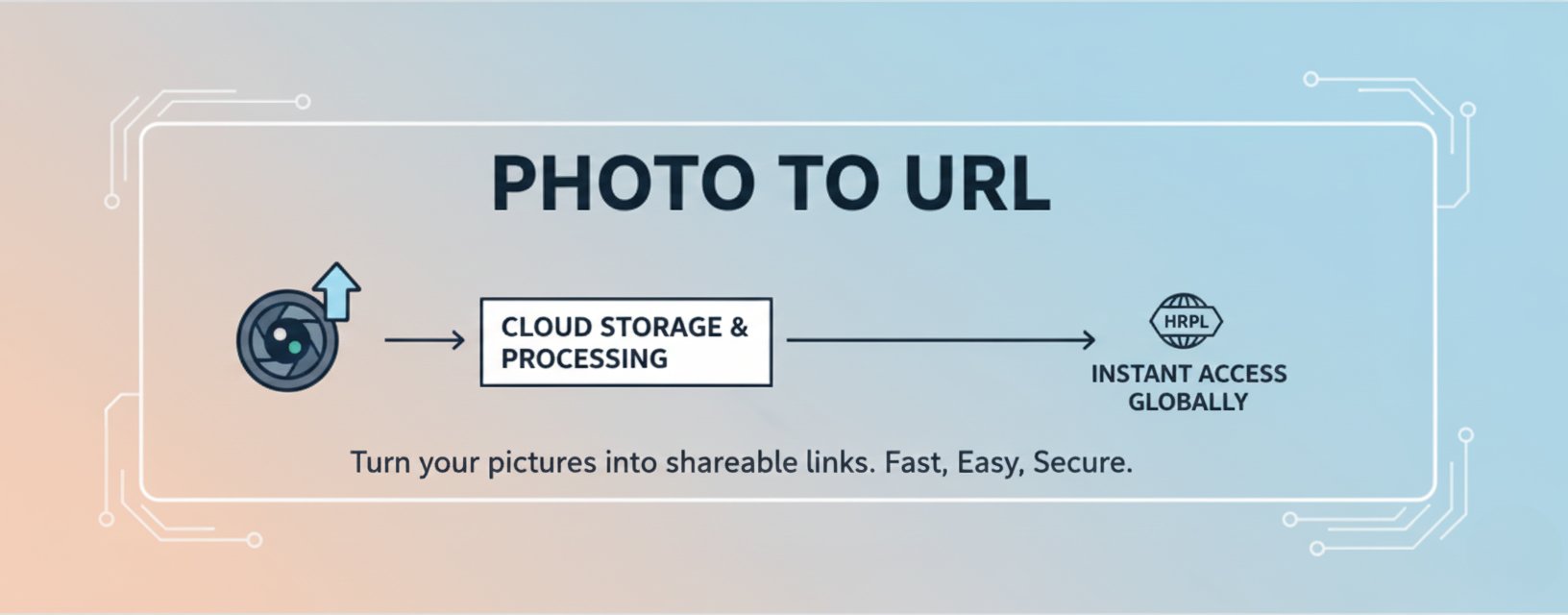
Learn everything you need to know about converting images to shareable URLs. This comprehensive guide covers methods, best practices, and tips for image hosting and link sharing.
How to Convert Image to URL: A Complete Guide
Converting images to shareable URLs has become an essential skill in today's digital world. Whether you're a blogger, developer, or content creator, understanding how to transform your images into direct links can significantly improve your workflow and content sharing capabilities.
Why Convert Images to URLs?
Before diving into the methods, let's understand why converting images to URLs is beneficial:
1. Easy Sharing
Direct image URLs allow you to share images instantly without downloading or re-uploading files. Simply copy the URL and paste it anywhere - in emails, documents, or social media posts.2. Better Performance
Using direct image links reduces the load on your main server. When images are hosted on a CDN (Content Delivery Network), they load faster for users worldwide.3. Flexibility
Image URLs can be embedded in HTML, Markdown, or used in APIs. This flexibility makes them perfect for developers and content creators alike.4. Storage Efficiency
Instead of storing images locally, you can use cloud storage solutions that provide direct URLs, saving valuable server space.Methods to Convert Images to URLs
Method 1: Using Photo To URL Service
Photo To URL is a free, user-friendly service that makes image-to-URL conversion effortless:
- Visit the website: Navigate to Photo To URL
- Upload your image: Drag and drop your image file or click to browse
- Get your URL: Once uploaded, you'll receive a direct link to your image
- Copy and use: Copy the URL and use it anywhere you need
Advantages:
- ✅ No registration required
- ✅ Fast upload and processing
- ✅ Direct CDN links for optimal performance
- ✅ Support for multiple image formats (JPG, PNG, WEBP, GIF)
- ✅ Free tier: 10 uploads/day, 2MB per file — see Pricing for higher limits
Method 2: Cloud Storage Services
Popular cloud storage services offer image hosting with direct URL access:
Google Cloud Storage / AWS S3:
- Upload images to your bucket
- Set appropriate permissions
- Access images via direct URLs
- Configure CDN for better performance
Advantages:
- Full control over your images
- Scalable storage solutions
- Professional-grade infrastructure
Method 3: Image Hosting Platforms
Dedicated image hosting platforms provide specialized services:
- Imgur: Popular for quick image sharing
- Cloudinary: Advanced image manipulation features
- ImageKit: Optimized for performance
Best Practices for Image URLs
1. Choose the Right Format
Different image formats serve different purposes:
- JPEG: Best for photographs with many colors
- PNG: Ideal for images with transparency or sharp edges
- WEBP: Modern format offering better compression
- GIF: Perfect for animated images
2. Optimize Image Size
Before converting to URL, optimize your images:
- Compress images to reduce file size
- Resize images to appropriate dimensions
- Use modern formats like WEBP when possible
- Balance quality and file size
3. Use CDN for Better Performance
Content Delivery Networks (CDN) distribute your images across multiple servers worldwide, ensuring fast loading times regardless of user location.
4. Implement Proper Security
- Use HTTPS URLs for secure image delivery
- Set appropriate access permissions
- Consider watermarking for sensitive content
- Monitor usage to prevent abuse
Common Use Cases
For Bloggers
Bloggers can use image URLs to:
- Embed images in blog posts without hosting them locally
- Improve page load times
- Share images across multiple platforms
- Maintain consistent image quality
For Developers
Developers benefit from image URLs by:
- Reducing server load
- Simplifying image management
- Enabling dynamic image loading
- Integrating with APIs and web services
For E-commerce
E-commerce sites use image URLs to:
- Display product images efficiently
- Manage large image catalogs
- Optimize for mobile devices
- Improve checkout page performance
Troubleshooting Common Issues
Issue: Broken Image Links
Solution:
- Verify the URL is correct and accessible
- Check image permissions and access settings
- Ensure the hosting service is operational
- Validate the image format is supported
Issue: Slow Loading Times
Solution:
- Use a CDN for image delivery
- Optimize image file sizes
- Choose appropriate image formats
- Implement lazy loading where possible
Issue: Image Not Displaying
Solution:
- Check CORS (Cross-Origin Resource Sharing) settings
- Verify HTTPS/HTTP protocol matches
- Ensure proper MIME types are set
- Test URL accessibility from different locations
Advanced Tips
1. Batch Processing
For multiple images, consider:
- Using APIs for automated uploads
- Implementing batch conversion scripts
- Utilizing cloud storage APIs
- Setting up automated workflows
2. Image Manipulation
Some services offer on-the-fly image manipulation:
- Resizing images via URL parameters
- Applying filters and effects
- Converting formats automatically
- Cropping and rotating images
3. Analytics and Monitoring
Track your image usage:
- Monitor bandwidth consumption
- Analyze popular images
- Track access patterns
- Optimize based on usage data
Conclusion
Converting images to URLs is a straightforward process that offers numerous benefits. Whether you choose a simple service like Photo To URL or a comprehensive cloud storage solution, the key is finding the method that best fits your needs.
Remember to:
- ✅ Optimize images before uploading
- ✅ Choose appropriate formats
- ✅ Use CDN for better performance
- ✅ Implement proper security measures
- ✅ Monitor and optimize regularly
By following these guidelines, you'll be able to efficiently convert and manage your images as URLs, improving both your workflow and your content's performance.
Related Tools
- Photo To URL - Free image to URL conversion service
- Circle Crop Tool - Create circular images
- Rounded Corners Tool - Add rounded corners to images
- Remove Background Tool - Remove image backgrounds with AI
Last updated: December 2025
Tags:
