
Photo To Rounded Corners - Complete Guide
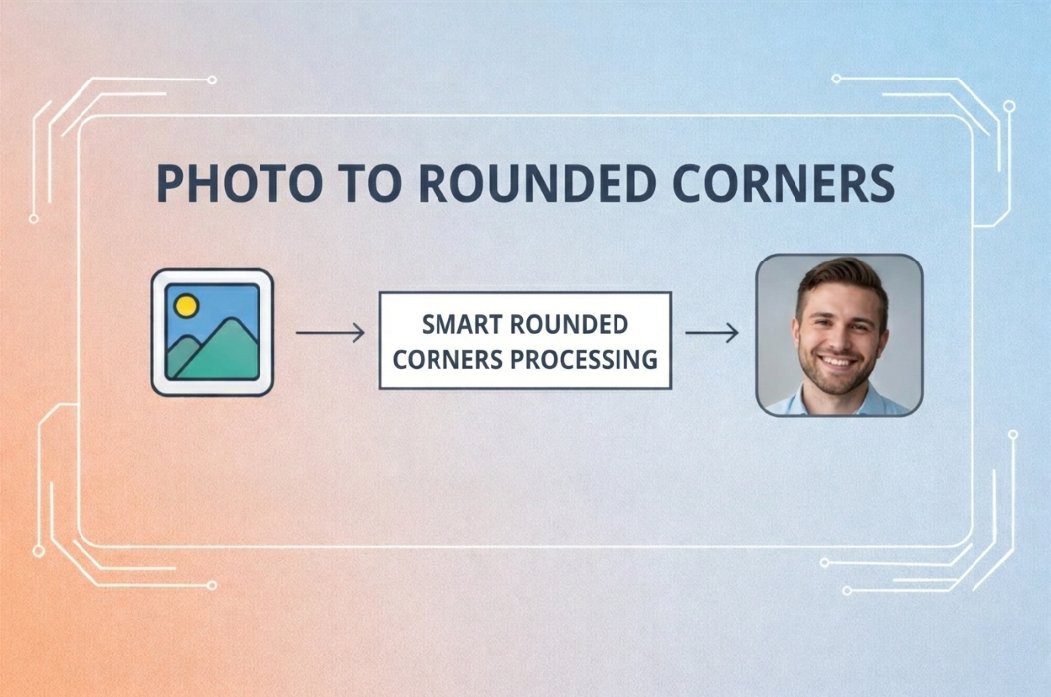
Add rounded corners to any image with our free online tool. Create soft, modern edges for thumbnails, cards, UI elements, and social media in seconds.
Photo To Rounded Corners - Complete Guide
Add rounded corners to any image with our free online rounded corners tool. Create soft, modern edges for thumbnails, cards, UI elements, and social media in seconds—no design skills required.
How to Add Rounded Corners to Images
Step 1: Upload Your Image
Select any photo from your device. Our tool supports JPG, PNG, WEBP, and GIF formats. Click the upload button or drag and drop your image file.Step 2: Choose Corner Radius
Use the slider to set the corner radius (from subtle to fully rounded). Preview updates in real time so you can get the exact look you want.Step 3: Download Your Image
Click "Download" to save your image with rounded corners. Use it in designs, websites, or social posts right away.Popular Uses for Rounded Corner Images
Thumbnails & Cards
Rounded corners give thumbnails and card layouts a clean, modern look. Perfect for product grids, blog previews, and app interfaces.Social Media & Ads
Square images with soft corners stand out in feeds and ads. They feel friendlier and more polished than sharp edges.UI & App Design
Icons, avatars, and buttons often use rounded corners. Our tool helps you batch-edit images to match your design system.Presentations & Docs
Add a consistent corner radius to screenshots and graphics so slides and documents look cohesive.Features of Our Rounded Corners Tool
- Free and instant – No signup, no watermarks; process locally in your browser with no usage cap on this tool
- Adjustable radius – From slight rounding to pill-shaped corners
- Real-time preview – See the result before downloading
- Privacy-first – Processing happens in your browser; we don't store your images
- All devices – Works on desktop, tablet, and mobile
Rounded Corners FAQ
How do I add rounded corners to a picture?
Upload your image to our Rounded Corners Tool, move the corner radius slider until it looks right, then click Download. Your image will be saved with rounded corners.
What image formats are supported?
We support JPG, PNG, WEBP, and GIF. The downloaded file keeps your original format (or PNG for best quality with transparency).
Can I use this on my phone?
Yes. Our tool works in any browser on phones and tablets. No app install needed.
Do you keep my images?
No. All processing is done in your browser. We don't upload or store your files.
Related Tools
- Photo To URL – Free image to URL conversion
- Circle Crop Tool – Create circular images
- Rounded Corners Tool – Add rounded corners to images
- Remove Background Tool – Remove image backgrounds with AI
Last updated: February 2026
Tags:
