
איך להמיר תמונה ל-URL: מדריך מלא
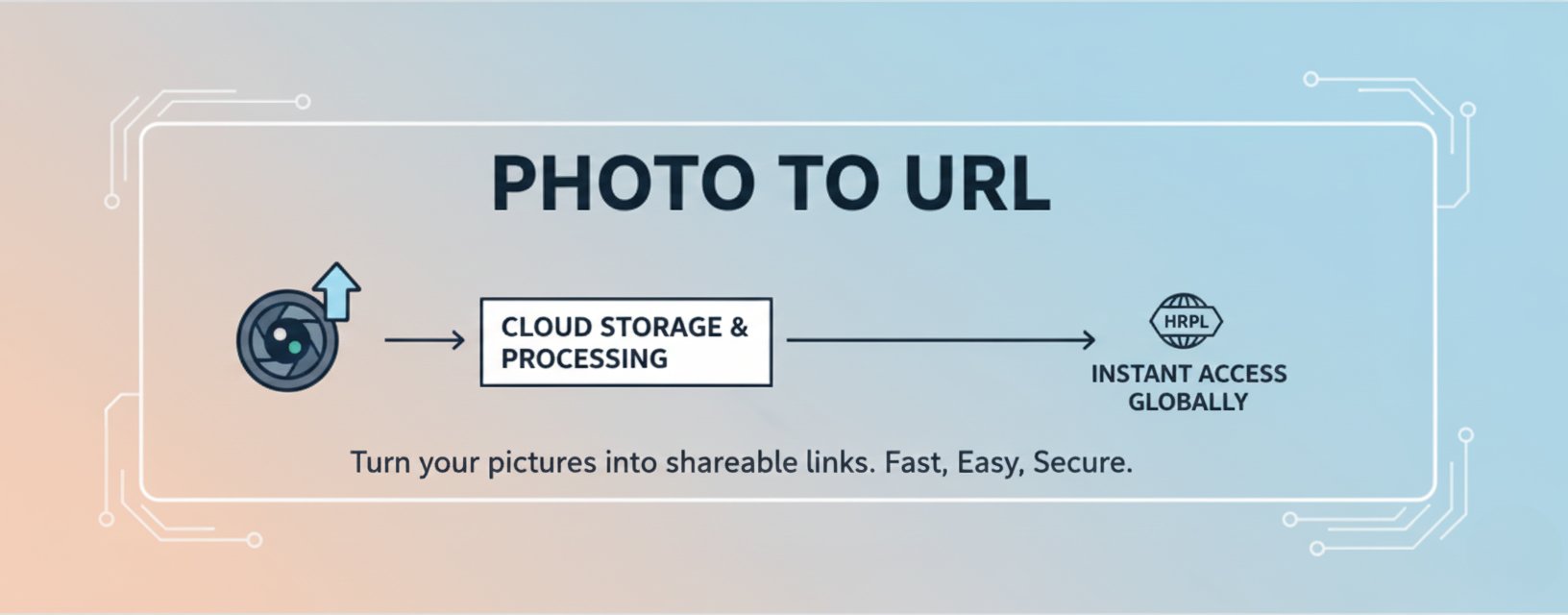
למדו כל מה שצריך לדעת על המרת תמונות לקישורי URL הניתנים לשיתוף. מדריך מקיף זה מכסה שיטות, שיטות עבודה מומלצות וטיפים לאירוח תמונות ושיתוף קישורים.
איך להמיר תמונה ל-URL: מדריך מלא
המרת תמונות לקישורי URL הניתנים לשיתוף הפכה למיומנות חיונית בעולם הדיגיטלי של ימינו. בין אם אתה בלוגר, מפתח או יוצר תוכן, הבנה כיצד להפוך את התמונות שלך לקישורים ישירים יכולה לשפר משמעותית את זרימת העבודה שלך ואת יכולות שיתוף התוכן.
למה להמיר תמונות ל-URL?
לפני שנצלול לשיטות, בואו נבין למה המרת תמונות ל-URL היא מועילה:
1. שיתוף קל
קישורי תמונה ישירים מאפשרים לך לשתף תמונות באופן מיידי ללא הורדה או העלאה מחדש של קבצים. פשוט העתק את ה-URL והדבק אותו בכל מקום - באימיילים, מסמכים או פוסטים ברשתות חברתיות.2. ביצועים טובים יותר
שימוש בקישורי תמונה ישירים מפחית את העומס על השרת הראשי שלך. כאשר תמונות מאוחסנות ב-CDN (רשת אספקת תוכן), הן נטענות מהר יותר למשתמשים ברחבי העולם.3. גמישות
קישורי תמונה יכולים להיות מוטמעים ב-HTML, Markdown או לשמש ב-API. הגמישות הזו הופכת אותם למושלמים גם למפתחים וגם ליוצרי תוכן.4. יעילות אחסון
במקום לאחסן תמונות מקומית, אתה יכול להשתמש בפתרונות אחסון בענן המספקים קישורי URL ישירים, חוסך מקום שרת יקר ערך.שיטות להמרת תמונות ל-URL
שיטה 1: שימוש בשירות תמונה ל-URL
תמונה ל-URL הוא שירות חינמי וידידותי למשתמש שהופך המרת תמונה ל-URL ללא מאמץ:
- בקר באתר: נווט לתמונה ל-URL
- העלה את התמונה שלך: גרור ושחרר את קובץ התמונה שלך או לחץ לדפדוף
- קבל את ה-URL שלך: לאחר העלאה, תקבל קישור ישיר לתמונה שלך
- העתק והשתמש: העתק את ה-URL והשתמש בו בכל מקום שאתה צריך
יתרונות:
- ✅ אין צורך ברישום
- ✅ העלאה ועיבוד מהירים
- ✅ קישורי CDN ישירים לביצועים אופטימליים
- ✅ תמיכה במספר פורמטי תמונה (JPG, PNG, WEBP, GIF)
- ✅ 10 העלאות/יום, 2MB לקובץ
שיטה 2: שירותי אחסון בענן
שירותי אחסון בענן פופולריים מציעים אירוח תמונות עם גישה ישירה ל-URL:
Google Cloud Storage / AWS S3:
- העלה תמונות לדלי שלך
- הגדר הרשאות מתאימות
- גש לתמונות דרך קישורי URL ישירים
- הגדר CDN לביצועים טובים יותר
יתרונות:
- שליטה מלאה על התמונות שלך
- פתרונות אחסון הניתנים להרחבה
- תשתית ברמה מקצועית
שיטה 3: פלטפורמות אירוח תמונות
�לטפורמות אירוח תמונות ייעודיות מספקות שירותים מיוחדים:
- Imgur: פופולרי לשיתוף תמונות מהיר
- Cloudinary: תכונות מניפולציה מתקדמות של תמונות
- ImageKit: מותאם לביצועים
שיטות עבודה מומלצות עבור קישורי תמונה
1. בחר את הפורמט הנכון
פורמטי תמונה שונים משרתים מטרות שונות:
- JPEG: הטוב ביותר לתצלומים עם הרבה צבעים
- PNG: אידיאלי לתמונות עם שקיפות או קצוות חדים
- WEBP: פורמט מודרני המציע דחיסה טובה יותר
- GIF: מושלם לתמונות מונפשות
2. אופטימיזציה של גודל התמונה
לפני המרה ל-URL, בצע אופטימיזציה לתמונות שלך:
- דחוס תמונות להקטנת גודל הקובץ
- שנה גודל תמונות למידות מתאימות
- השתמש בפורמטים מודרניים כמו WEBP כאשר אפשר
- איזן בין איכות לגודל קובץ
3. השתמש ב-CDN לביצועים טובים יותר
רשתות אספקת תוכן (CDN) מפיצות את התמונות שלך על פני מספר שרתים ברחבי העולם, מה שמבטיח זמני טעינה מהירים ללא קשר למיקום המשתמש.
4. יישם אבטחה נכונה
- השתמש בקישורי HTTPS לאספקת תמונות מאובטחת
- הגדר הרשאות גישה מתאימות
- שקול הוספת סימן מים לתוכן רגיש
- עקוב אחר השימוש כדי למנוע שימוש לרעה
מקרי שימוש נפוצים
לבלוגרים
בלוגרים יכולים להשתמש בקישורי תמונה כדי:
- להטמיע תמונות בפוסטי בלוג ללא אירוח מקומי
- לשפר זמני טעינת דפים
- לשתף תמונות על פני מספר פלטפורמות
- לשמור על איכות תמונה עקבית
למפתחים
מפתחים נהנים מקישורי תמונה על ידי:
- הפחתת עומס השרת
- פישוט ניהול תמונות
- אפשרות טעינה דינמית של תמונות
- אינטגרציה עם API ושירותי אינטרנט
למסחר אלקטרוני
אתרי מסחר אלקטרוני משתמשים בקישורי תמונה כדי:
- להציג תמונות מוצרים ביעילות
- לנהל קטלוגי תמונות גדולים
- לבצע אופטימיזציה למכשירים ניידים
- לשפר ביצועי דף התשלום
פתרון בעיות נפוצות
בעיה: קישורי תמונה שבורים
פתרון:
- ודא שה-URL נכון ונגיש
- בדוק הרשאות תמונה והגדרות גישה
- ודא ששירות האירוח פועל
- אמת שפורמט התמונה נתמך
בעיה: זמני טעינה איטיים
פתרון:
- השתמש ב-CDN לאספקת תמונות
- בצע אופטימיזציה לגודלי קבצי תמונה
- בחר פורמטי תמונה מתאימים
- יישם טעינה עצלה כאשר אפשר
בעיה: התמונה לא מוצגת
פתרון:
- בדוק הגדרות CORS (שיתוף משאבים בין מקורות)
- ודא שהפרוטוקולים HTTPS/HTTP תואמים
- ודא שסוגי MIME נכונים מוגדרים
- בדוק נגישות URL ממיקומים שונים
טיפים מתקדמים
1. עיבוד אצווה
עבור מספר תמונות, שקול:
- שימוש ב-API להעלאות אוטומטיות
- יישום סקריפטי המרה באצווה
- ניצול API אחסון בענן
- הגדרת זרימות עבודה אוטומטיות
2. מניפולציה של תמונות
חלק מהשירותים מציעים מניפולציה של תמונות על המקום:
- שינוי גודל תמונות דרך פרמטרי URL
- החלת מסננים ואפקטים
- המרת פורמטים אוטומטית
- חיתוך וסיבוב תמונות
3. אנליטיקה וניטור
עקוב אחר השימוש בתמונות שלך:
- עקוב אחר צריכת רוחב פס
- נתח תמונות פופולריות
- עקוב אחר דפוסי גישה
- בצע אופטימיזציה על בסיס נתוני שימוש
סיכום
המרת תמונות ל-URL היא תהליך פשוט המציע יתרונות רבים. בין אם תבחר בשירות פשוט כמו תמונה ל-URL או בפתרון אחסון בענן מקיף, המפתח הוא למצוא את השיטה המתאימה ביותר לצרכים שלך.
זכור:
- ✅ בצע אופטימיזציה לתמונות לפני העלאה
- ✅ בחר פורמטים מתאימים
- ✅ השתמש ב-CDN לביצועים טובים יותר
- ✅ יישם אמצעי אבטחה נכונים
- ✅ עקוב ובצע אופטימיזציה באופן קבוע
על ידי ביצוע הנחיות אלה, תוכל להמיר ולנהל ביעילות את התמונות שלך כ-URL, תוך שיפור זרימת העבודה שלך וביצועי התוכן שלך.
כלים קשורים
- תמונה ל-URL - שירות המרת תמונה ל-URL חינמי
- כלי חיתוך עגול - צור תמונות עגולות
- כלי פינות מעוגלות - הוסף פינות מעוגלות לתמונות
- כלי הסרת רקע - הסר רקעי תמונות עם AI
עודכן לאחרונה: דצמבר 2025
תגיות:
