
Изображения със заоблени ъгли – Ръководство
5 мин четене
tutorial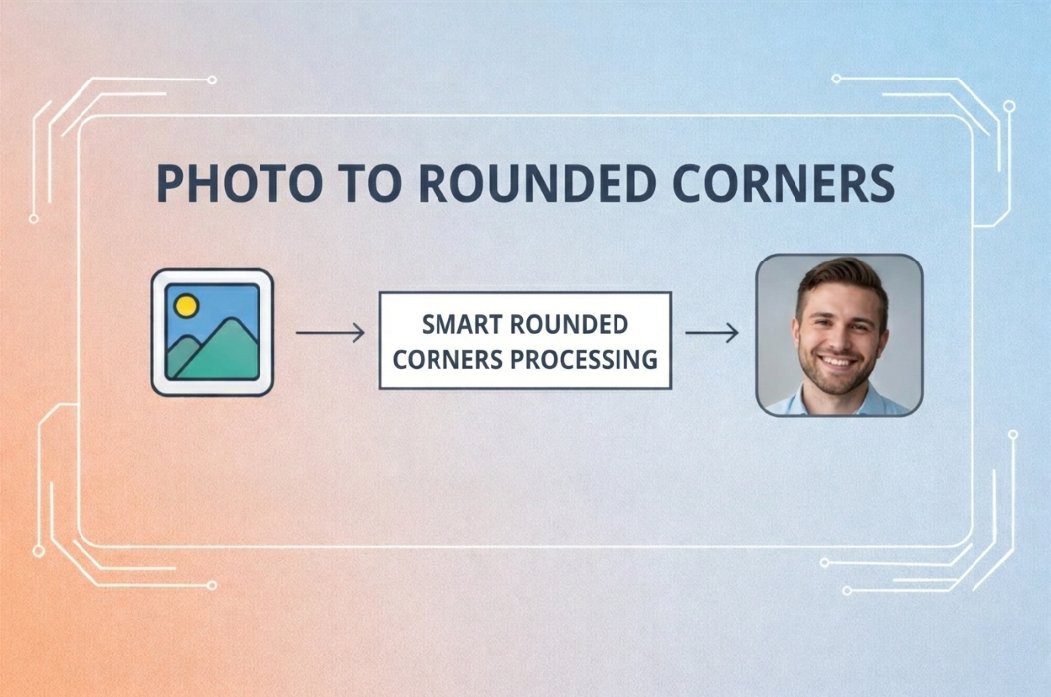
Добавете заоблени ъгли на всяко изображение с безплатния инструмент. Подходящо за миниатюри, карти, интерфейс и социални мрежи за секунди.
Изображения със заоблени ъгли – Ръководство
Направете ъглите на всяко изображение заоблени с безплатния онлайн инструмент. Подходящо за миниатюри, карти, елементи на интерфейса и социални мрежи, без умения по дизайн.
Как да заоблите ъглите на изображение
Стъпка 1: Качете изображение
Изберете снимка от устройството. Формати: JPG, PNG, WEBP, GIF. Щракнете или плъзнете и пуснете.Стъпка 2: Задайте радиус на ъгъла
Използвайте плъзгача за степента на заобляне. Прегледът се обновява в реално време.Стъпка 3: Изтеглете
Щракнете "Изтегли", за да запазите изображението със заоблени ъгли и да го използвате в оформление, уеб или публикации.Често срещано използване
Миниатюри и карти
Заоблените ъгли придават на решетките и картите чист, модерен вид.Социални мрежи и реклами
Изображенията с меки ъгли се открояват във фийда и рекламите, изглеждат по-приятелски.Интерфейс и приложения
Иконите, аватарите и бутоните често имат заоблени ъгли; инструментът помага да се изравнят няколко изображения.Презентации и документи
Един и същ радиус при екранни снимки и графика поддържа слайдовете и документите последователни.Какво предлага инструментът
- Безплатно и веднага – без регистрация, без воден знак, без лимит
- Регулируем радиус – от леко заобляне до форма на капсула
- Преглед в реално време – вижте резултата преди изтегляне
- Поверителност – обработка в браузъра; ние не съхраняваме изображения
- Всички устройства – компютър, таблет, телефон
Често задавани въпроси
Как да заобля ъглите на снимка?
Отворете Инструмент за заоблени ъгли, качете изображение, задайте радиус, щракнете Изтегли.
Какви формати се поддържат?
JPG, PNG, WEBP, GIF. При изтегляне се запазва оригиналният формат (или PNG за прозрачност).
Работи ли на телефон?
Да. Инструментът работи в мобилния и таблетния браузър, без приложение.
Съхранявате ли моите изображения?
Не. Цялата обработка е във вашия браузър; ние не съхраняваме нищо.
Свързани инструменти
- Снимка към URL – изображение към връзка
- Кръгло изрязване – създаване на кръгли изображения
- Заоблени ъгли – заобляне на ъгли
- Премахване на фон – премахване на фон с AI
Последна актуализация: Февруари 2026
Етикети:
#rounded-corners#image-editing#ui-design#tutorial
