
Премахване на фона – Ръководство
6 мин четене
tutorial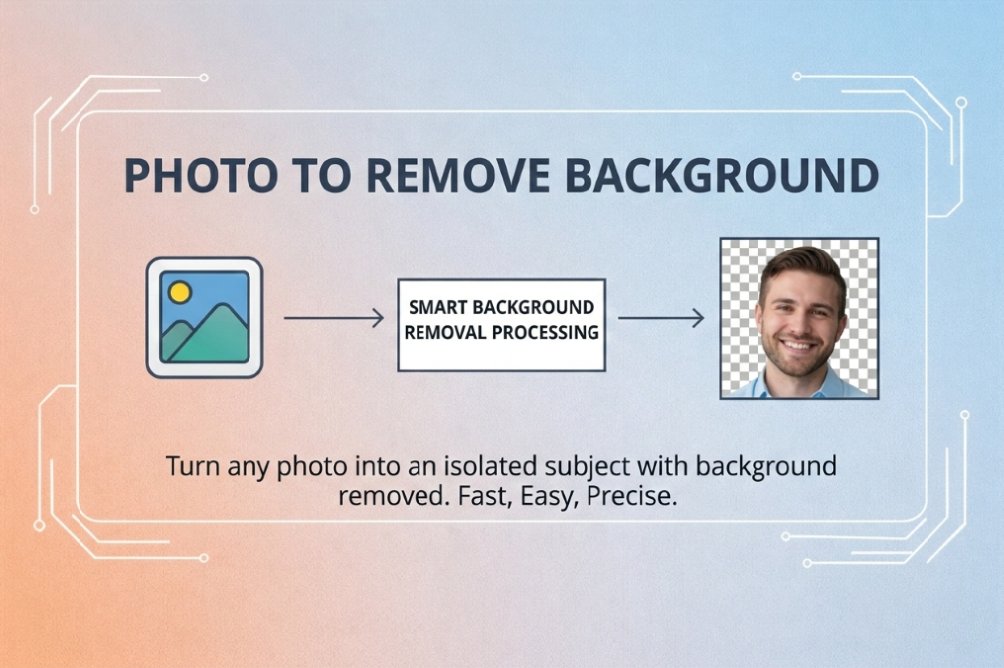
Премахнете фона от изображения с един клик с безплатния AI инструмент. Чисти изрезки за продукти, портрети, лога и др.
Премахване на фона – Ръководство
Премахнете фона от изображения с един клик с безплатния онлайн инструмент. Чисти изрезки за продуктови снимки, портрети, лога – без дизайнерски умения.
Как да премахнете фона
Стъпка 1: Качете изображение
Изберете снимка от устройството. Поддържани: JPG, PNG, WEBP, GIF. Клик или плъзгане.Стъпка 2: AI премахва фона
Инструментът автоматично разпознава обекта и премахва фона. Обработката отнема секунди. Преглед в реално време с прозрачен фон.Стъпка 3: Изтеглете
Натиснете "Изтегли" за да запазите изображението без фон. Резултатът е PNG с прозрачност, за дизайн, е-торговия или социални мрежи.Често използвани
Продуктови снимки
Чисти изрезки за онлайн магазини, пазари и реклами. Прозрачен фон за всяко оформление.Портрети и профили
Премахнете зает фон от портрети за CV, LinkedIn или профил.Лога и графика
Изолирайте лога и графика от снимки или сканирания. Прозрачен PNG за наслагване и презентации.Социални мрежи и маркетинг
Забележими визуали за постове, сторита и реклами. Прозрачни изрезки за всеки шаблон.Какво предлага инструментът
- Безплатно и AI – без регистрация, воден знак, лимит
- Премахване с един клик – автоматично разпознаване и чисти ръбове
- Прозрачен PNG – готов за всякакви дизайн или платформа
- Поверителност – обработка в браузъра; не съхраняваме изображения
- Всички устройства – компютър, таблет, телефон
Често задавани въпроси
Как да премахна фона от снимка?
Отворете Инструмент за премахване на фон, качете изображение. Инструментът ще разпознае обекта и ще премахне фона. Преглед и изтегляне като прозрачен PNG.
Какви формати се поддържат?
JPG, PNG, WEBP, GIF. Резултатът винаги се изтегля като PNG с прозрачен фон.
Пазите ли моите изображения?
Не. Обработката е във вашия браузър; нищо не съхраняваме.
Работи ли на телефон?
Да. Инструментът работи в браузър на телефон и таблет.
Свързани инструменти
- Снимка към URL – изображение към връзка
- Кръгла изрезка – кръгли изображения
- Закръглени ъгли – закръгляне на ъгли
- Премахване на фон – премахване на фон с AI
Последна актуализация: Март 2026
Етикети:
#remove-background#image-editing#ai#tutorial
